> For the complete documentation index, see [llms.txt](https://books.eisenfinance.com/eisen-finance/llms.txt). Markdown versions of documentation pages are available by appending `.md` to page URLs; this page is available as [Markdown](https://books.eisenfinance.com/eisen-finance/user-guide/connecting-wallet/get-native-token.md).
# Get Native Token
{% hint style="info" %}
If you already have native tokens in your wallet, proceed to [Connect your wallet to EISEN](/eisen-finance/user-guide/connecting-wallet/connect-your-wallet-to-eisen.md) to connect your wallet.
{% endhint %}
To swap crypto assets on the Polygon or Evmos network, you will need native tokens to pay a gas fee. There are two ways in which you can get them in your wallet
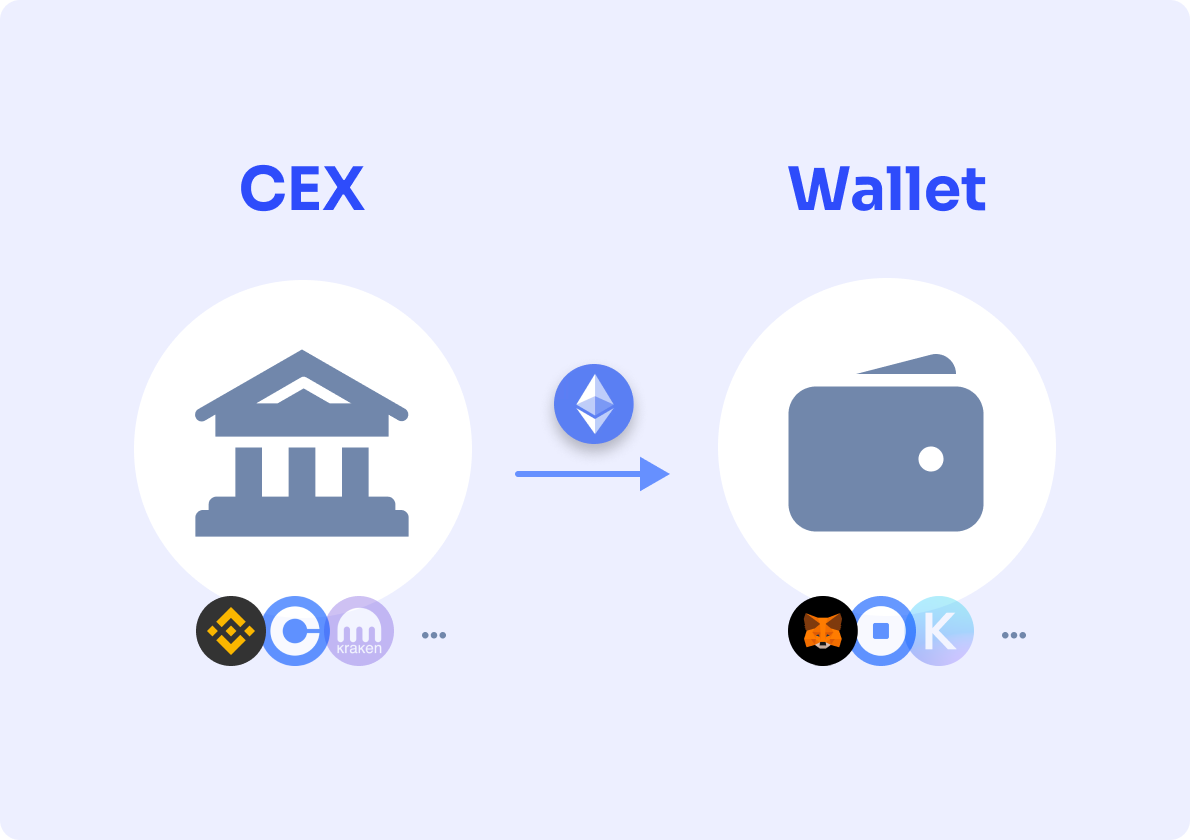
(1) Transferring Native token from CEX to your wallet
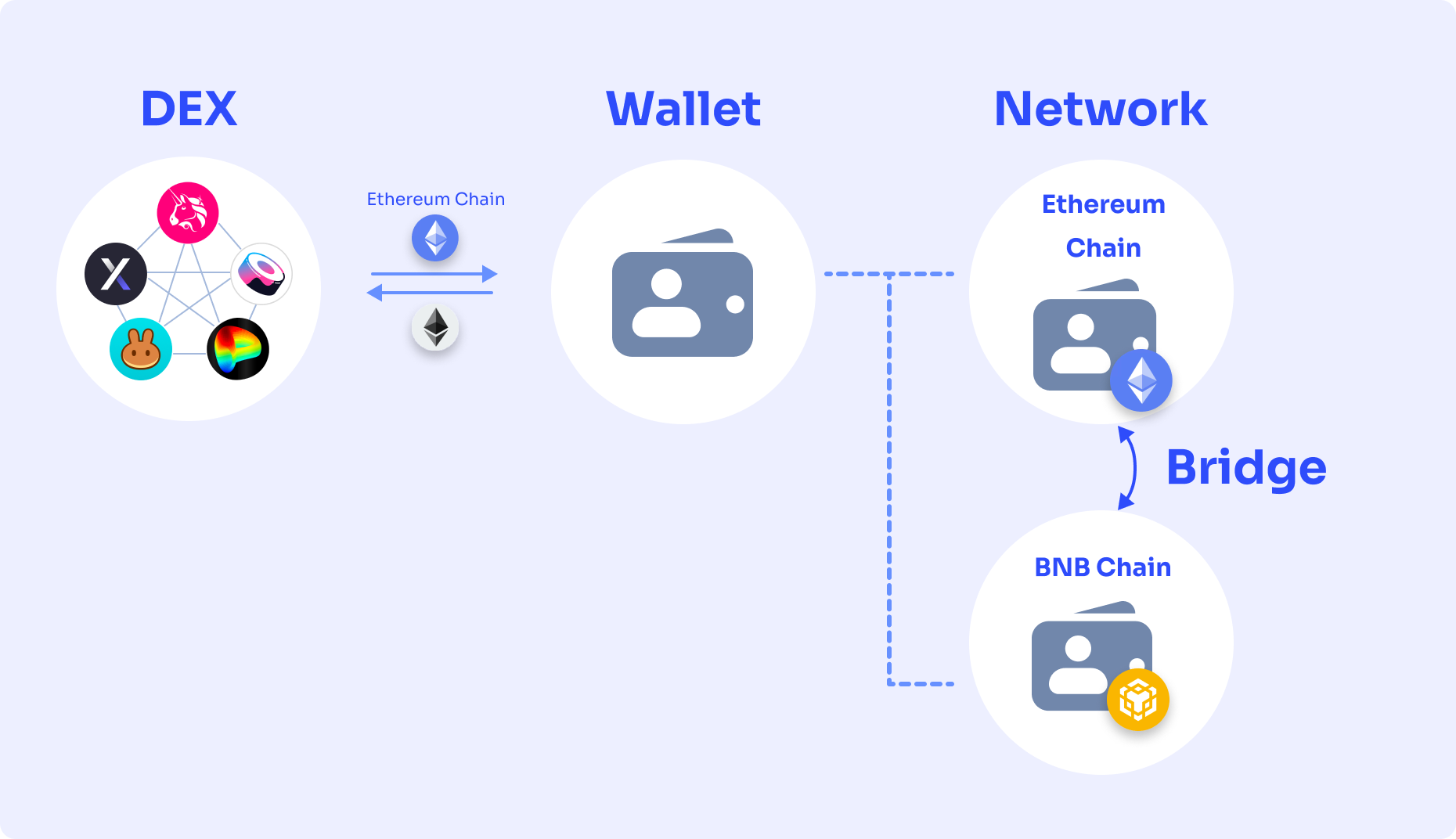
(2) Using the bridge.
{% tabs %}
{% tab title="(1) CEX to Wallet" %}
If you have a **CEX account**, you can buy NATIVE tokens in CEX and **transfer** them to your wallet.
Below are the steps to transfer Native tokens from a CEX to your self-custodial wallet.
(1) Register an account on the CEX's official website or the app.
(2) **Verify** your identity & **secure** your CEX account.
* You are typically required to have a **government-issued identification document.**
* For asset security, you'd better enable **Two-step Verification.**
(3) Use **fiat** to **buy USDT.**
* You can use the service provided by the CEX which supports **OTC trading** or use the **financial service platform**(Paypal, or Robinhood, available for US residents) that supports funding via either your bank account or credit card.
(4) **Transfer** your **USDT** purchased by fiat to the CEX that supports Evmos trading in the spot market.
* If the CEX that you're using supports both purchasing USDT via fiat and NATIVE-USDT trading pair, then you can trade in the same platform and **don't need to transfer** to another platform that supports Evmos.
(5) **Buy Native tokens** in the spot market with stable coins.
(6) **Transfer** Native tokens from your CEX wallet to your self-custodial wallet.
{% endtab %}
{% tab title="(2) Bridge" %}
If you have crypto assets in your wallet already but on another chain, you can buy **wrapped tokens** on that chain and transfer them to the Polygon or Evmos chain by using **bridge service.**
{% endtab %}
{% endtabs %}